How to Remove a Deposit Limit
Turning off or lowering your deposit
Written By _flush_f0x_
Last updated About 2 hours ago
You can manage or remove your deposit limit from the Responsible Gambling tab in Settings. For your protection, changes that loosen a limit may not take effect immediately.
Removing or changing your deposit limit
1. Open your account menu, choose Settings, then the Responsible Gambling tab.
2. On Deposit limits, select Manage limits.
3. Switch off the Daily, Weekly or Monthly limit you want to remove, or change its amount.
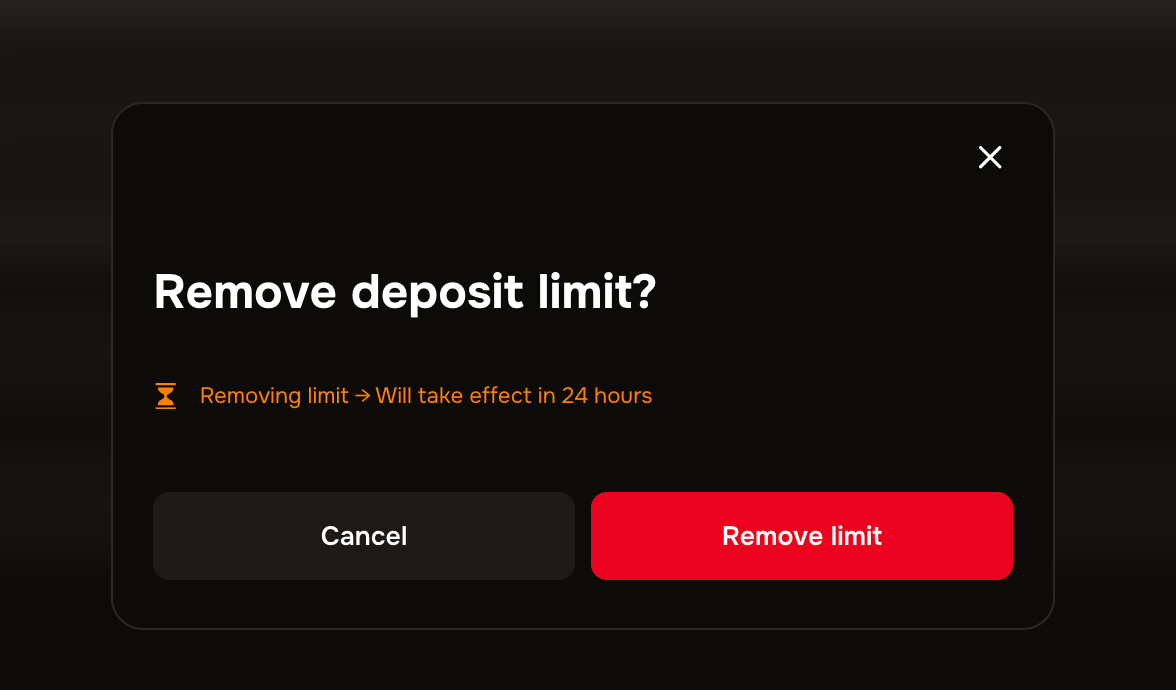
When you have confirmed to remove the limit, the exact time and date of removal are shown on the page

Removal has a 24-hour cooling-off
Lowering a deposit limit applies straight away. Removing a limit, or raising it, loosens a protection you set, so for your safety that change takes effect after a 24-hour cooling-off period: your current limit stays in place for those 24 hours before the change applies.

Support is here if you need it. If gambling is not feeling fun, or you would like to talk to someone, our guide on where to get problem gambling help lists organisations that can support you, and our team is always ready to help.
Was this helpful?
Still need help? Ask the team