Forgot Your Password?
Resetting it safely in a few steps
Written By _flush_f0x_
Last updated About 2 hours ago
If you cannot remember your password, there is no need to worry: you can reset it in a couple of minutes using the email address on your account. Here is exactly how.
Step 1: Open the log-in form and select Forgot password
From the Flush.io homepage, select Log in in the top right to open the log-in form. Next to the Password field you will see a Forgot password? link; select it.
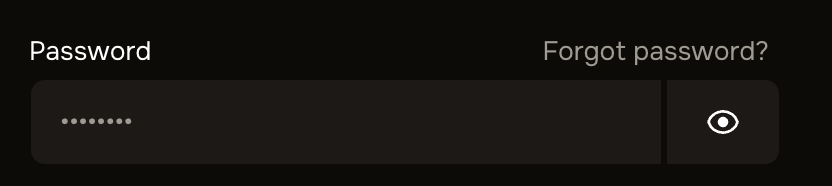
Figure 1: the Forgot password? link sits beside the Password field
Step 2: Request your reset link
The Reset password screen opens and asks for the email address on your account.
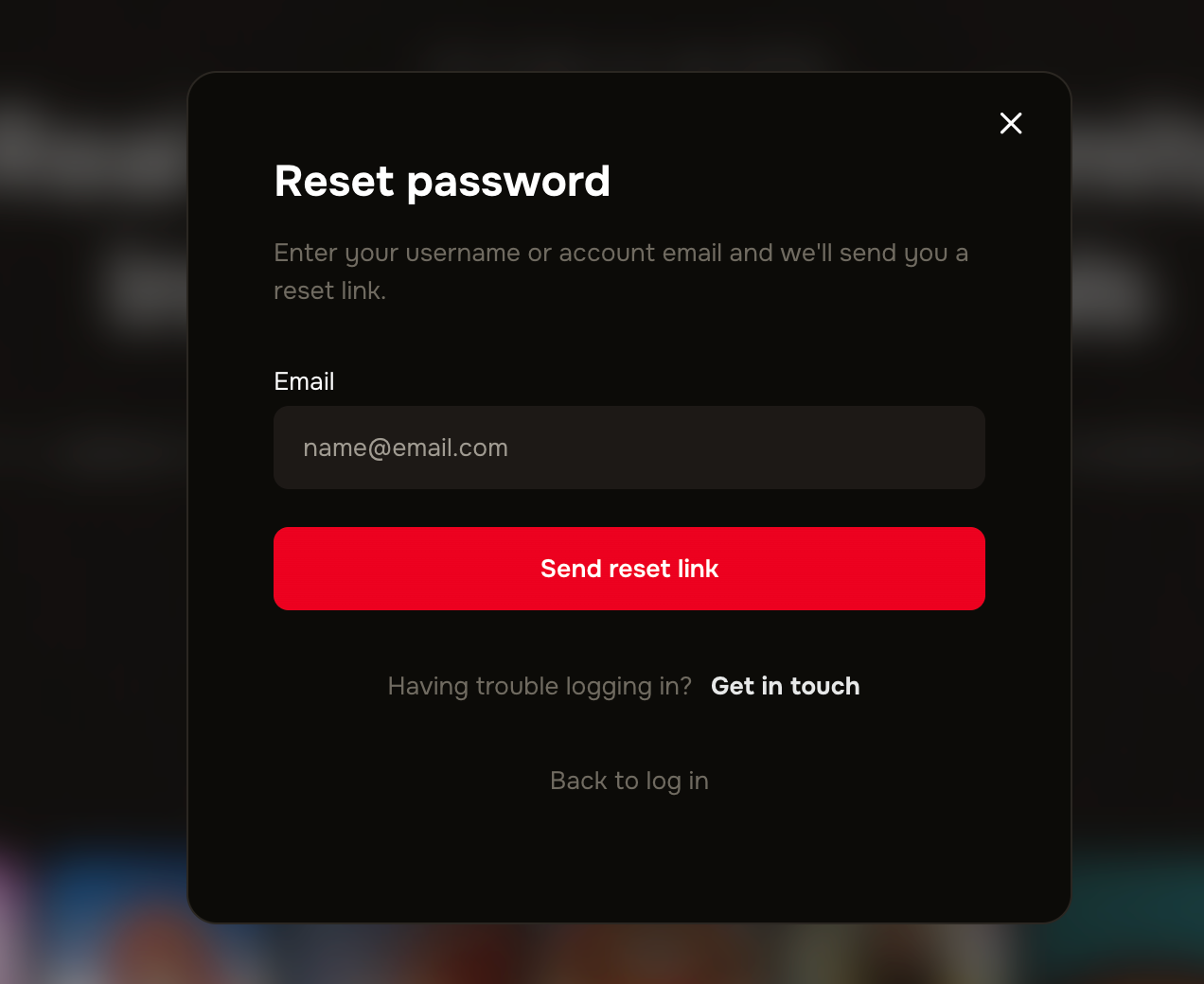
Figure 2: enter your email and select Send reset link
1. Enter your email. Type the username or email address linked to your Flush.io account.
2. Select Send reset link. We will email a secure link to reset your password.
3. Check your inbox. Open the email from Flush.io and select the reset link. If it is not there within a few minutes, check your spam or junk folder.
4. Set a new password. Follow the link, choose a new password that meets the on-screen requirements, and confirm. You can then log in with your new password.
Reset links are safe, and they expire
A reset link only works from your own inbox and is valid for a limited time, which keeps your account protected. If a link has expired, simply request a new one. Flush.io will never ask you to share your password or reset link with anyone
Good to know
No reset email? Check your spam folder first, and make sure you entered the email address your account actually uses. You can safely request the link again.
Signed up with Google? If you created your account with Google, you do not have a Flush.io password to reset: just use Log in with Google instead.
Choose a strong new password. Make your new password at least 12 characters, hard to guess, and different from passwords you use elsewhere.
Only reset on the official site. Always start a password reset from the real Flush.io site, and never enter your details from a link in an unexpected message.
Still locked out? If you cannot access the email on your account, our support team can help you recover access safely.
Was this helpful?
Still need help? Ask the team