Where Do I Enter a Referral Link?
Using a friend’s link or code when you join
Written By _flush_f0x_
Last updated About 10 hours ago
If a friend has shared their referral link or code with you, here is how to make sure it is applied to your new account. The key thing to know: it needs to be in place before your first deposit.
The easiest way: use the link
If your friend sent you a referral link, simply open it and sign up from there. Their code is applied to your account automatically, so there is nothing extra to enter.
Or enter the code at sign-up
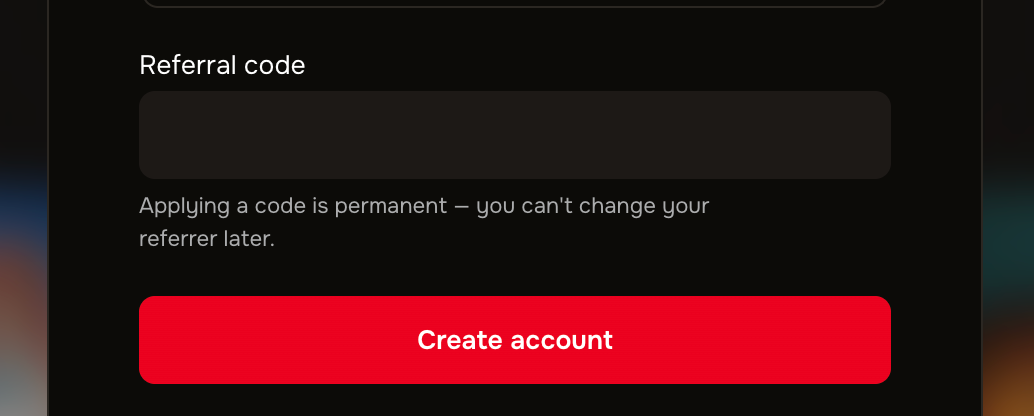
Figure 1: the Have a referral code option on the Create an account form
1. On the Create an account form, select Have a referral code?.
2. Enter your friend’s referral code, then finish creating your account.
Add it before your first deposit
If you have already signed up but not yet deposited, you can still add a referral code from your own account. It just needs to be entered before you make your first deposit, as it cannot be applied afterwards.
Good to know
One code, one account. A code can only be applied before your first deposit, and you can only be referred once.
You cannot use your own code. A referral code has to come from someone else; you cannot refer yourself.
Not sure it applied? If you are unsure whether a code was added, contact our support team through the official site before you deposit.
Was this helpful?
Still need help? Ask the team