How to Set a Session Limit
Capping how long a session lasts
Written By _flush_f0x_
Last updated About 2 hours ago
A session limit sets a hard cap on how long a single gameplay session can run. When you reach it, the session ends, which is a simple way to keep your playing time where you want it. Here is how to set one.
Setting a session limit

Figure 1: the Session limit toggle on the Responsible Gambling tab
1. Open your account menu, choose Settings, then the Responsible Gambling tab.
2. Switch on Session limit.
3. Choose the maximum length you want a session to last. Once a session reaches that length, it ends.
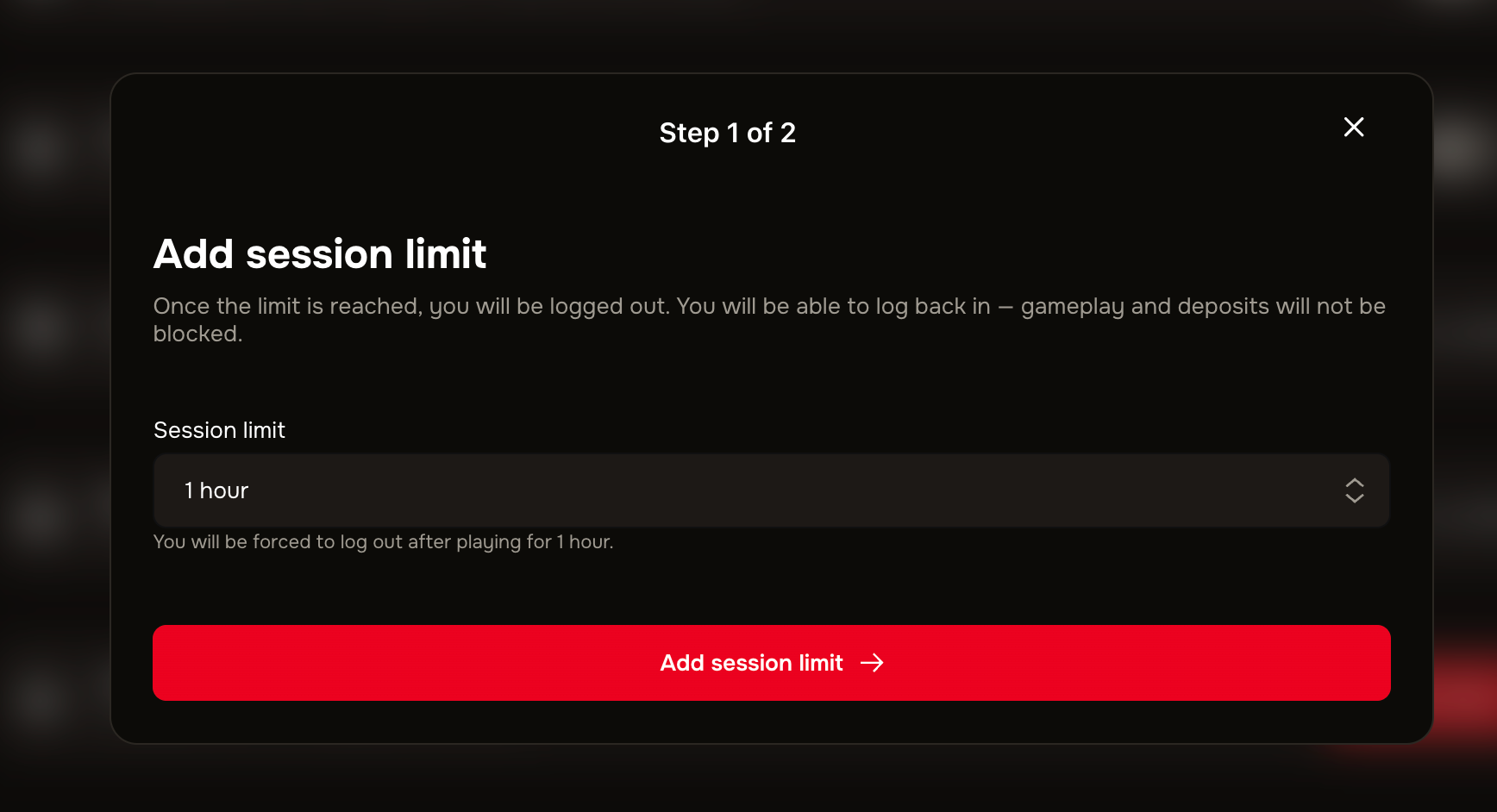
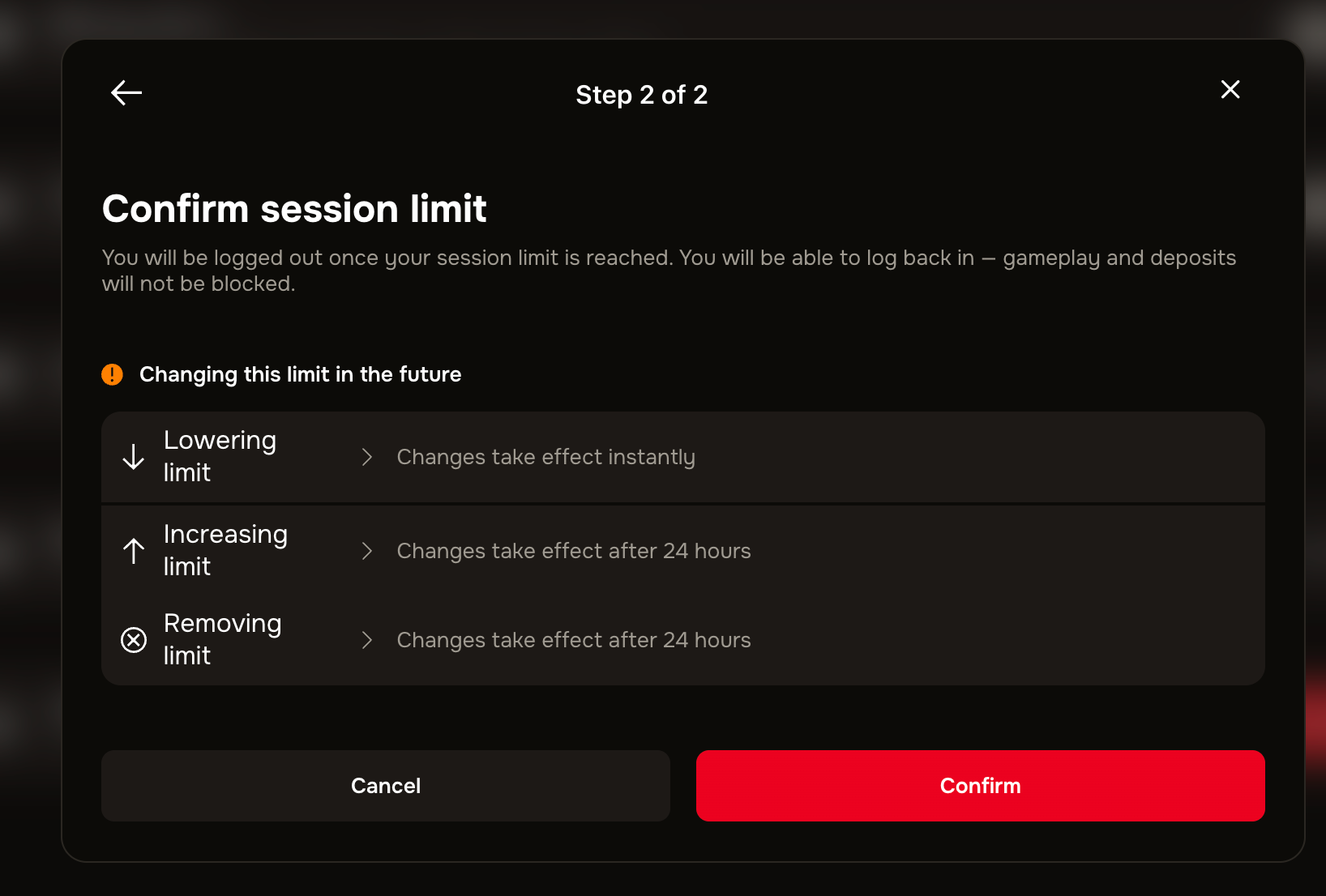
Before the limit is set, a confirmation screen appears with a summary of the information:
When your limit is in place, it is displayed on the page, along with a progress bar so you understand how much limit you have left.

A clear stopping point
A session limit gives you a natural, decided-in-advance point to step away, which many players find helpful for keeping things in balance.
Good to know
Decide it when you are clear-headed. Setting a session length in advance is easier than deciding to stop in the moment.
Adjust or remove any time. You can change the length or turn the session limit off; our separate guide covers removing it.
Support is here if you need it. If gambling is not feeling fun, or you would like to talk to someone, our guide on where to get problem gambling help lists organisations that can support you, and our team is always ready to help.
Was this helpful?
Still need help? Ask the team