How to Update a Reality Check
Changing how often you are reminded
Written By _flush_f0x_
Last updated About 2 hours ago
If you already have a reality check switched on, you can change how often it reminds you at any time. Maybe you want nudges more frequently, or a little less often: adjusting it takes just a moment, from the Responsible Gambling tab in Settings.
Changing your reminder interval
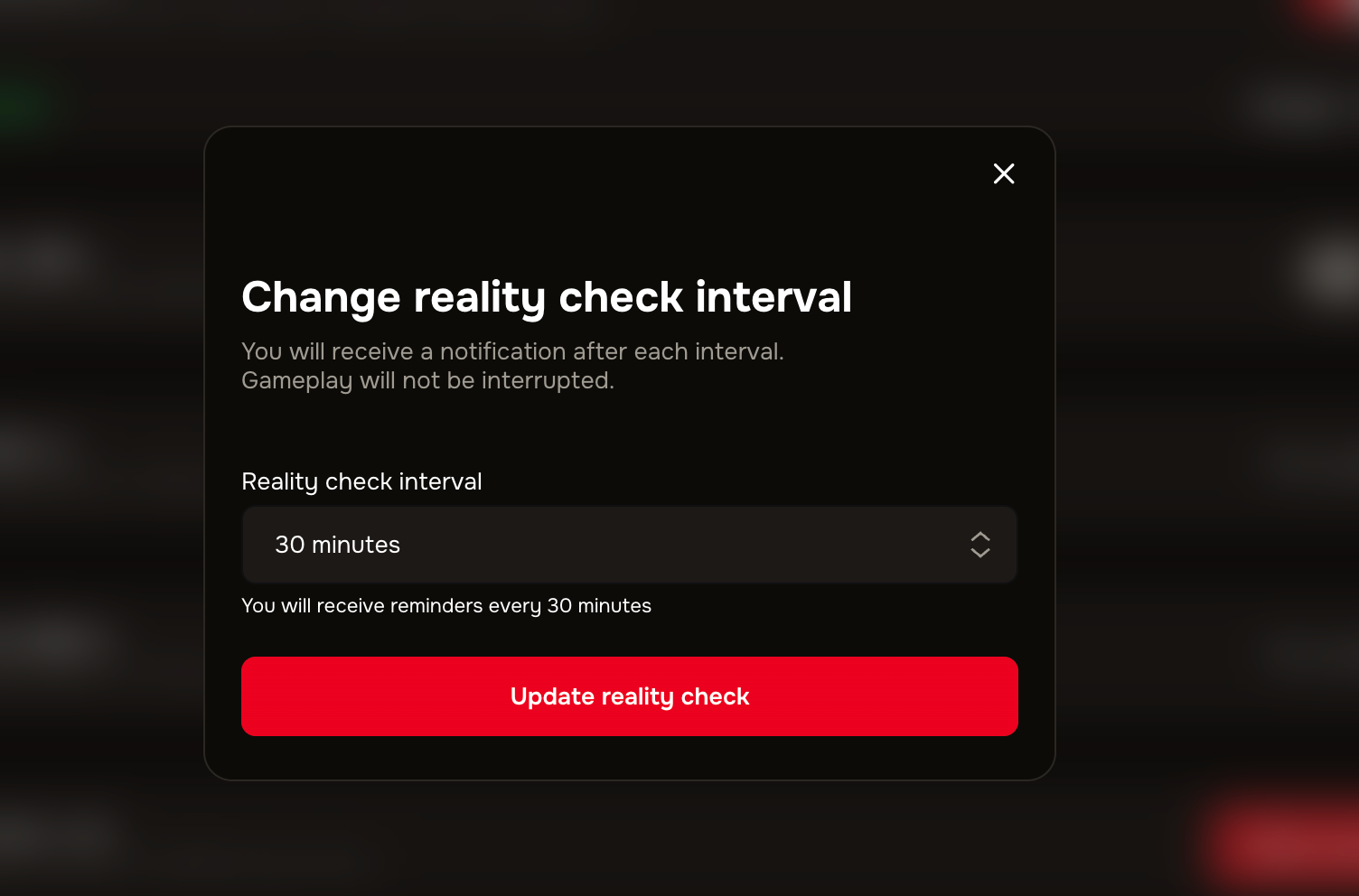
Figure 1: the Reality check on the Responsible Gambling tab
1. Open your account menu, choose Settings, then the Responsible Gambling tab.
2. With Reality check switched on, change the reminder interval to how often you would like to be prompted.
3. Your new interval applies from then on. If Reality check is currently off, switching it on lets you choose an interval.
Set it to suit how you play
There is no right or wrong interval: pick whatever keeps your play feeling comfortable. You can fine-tune it as often as you like, so it is worth adjusting until it feels right for you.
Good to know
Change it as often as you like. Your reminder interval is never fixed; update it whenever your habits change.
Turn it off any time. If you would rather stop the reminders altogether, our separate guide covers removing a reality check.
New to reality checks? If you have not set one up yet, our guide on setting a reality check walks through it.
Support is here if you need it. If gambling is not feeling fun, or you would like to talk to someone, our guide on where to get problem gambling help lists organisations that can support you, and our team is always ready to help.
Was this helpful?
Still need help? Ask the team